Puzzle
4.4
The Grid
The Grid
4,672
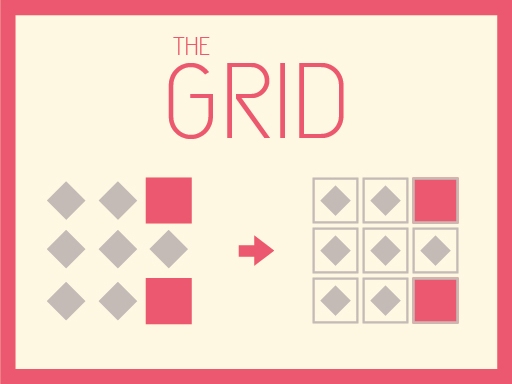
The Grid is an exciting, fast-paced puzzle game where players must quickly memorize and replicate patterns displayed on the screen. With just a few seconds to get it right, you'll need sharp reflexes and quick thinking to move forward. As you advance, the puzzles become increasingly challenging, sometimes requiring you to think outside the box or change your perspective. Aim for the highest scores you can achieve before time expires, and challenge yourself to beat your best results or climb to the top of the leaderboard. Conveniently, The Grid is designed for mobile use, making it easy to play with simple click or tap controls.
Recommended Games

My Tiny Land
4.27,018
At start, drag fruits or veggies into groups of three in the baskets for them to disappear. To win and progress, clear all items from every basket.
Happy Kids Jigsaw
4.17,358
Slide pieces by tapping the screen or using the mouse to play this game interactively and enjoy the puzzle-solving experience easily.
halloween pumpkin Jigsaw Game
4.54,513
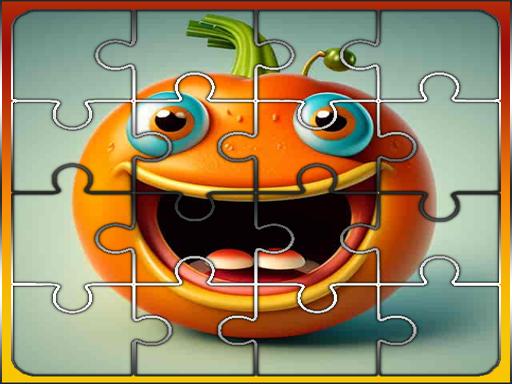
Click or tap the screen to interact and progress through the game. Use these inputs to respond to in-game prompts, solve puzzles, and engage with the environment for an immersive experience.

Merge Happy Planets!
4.33,138
Click planets to command them in space battles and strategies. Manage resources by clicking to upgrade defenses or deploy troops. Interact with neighboring planets by clicking for diplomacy or conflict. Explore new territories by clicking to navigate through the galaxy.
Christmas Gifts Sorting
4.85,307
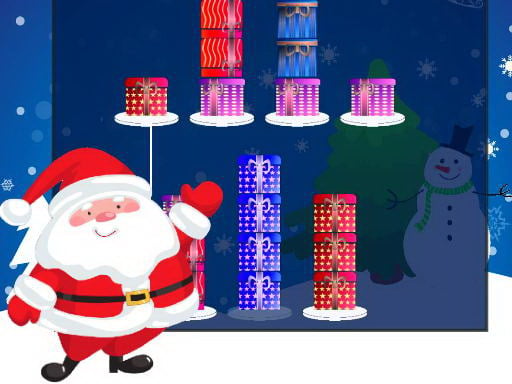
Use the mouse to click and interact with elements in the game or tap on the screen to perform actions.

Zombie Christmas Jigsaw: Holiday Fun 4 Horror Fans
4.13,846
Click or tap the screen to interact and advance in the game.

Spot Unique Animal
4.54,543
Use a mouse or touchpad to interact with the game, clicking or swiping to navigate through levels and select options. Adjust settings using right-click menus for customization.
Yummy Link
4.96,134
Click or tap on the screen to interact and progress through the game. Use these inputs to trigger actions, select options, and navigate challenges designed within the game environment.
Crazy Difficult Game
4.57,040
Controls using WASD or arrow keys allow for easy movement. For a different experience, joystick control can be enabled in settings.
GBox Slide and Swap
4.76,958
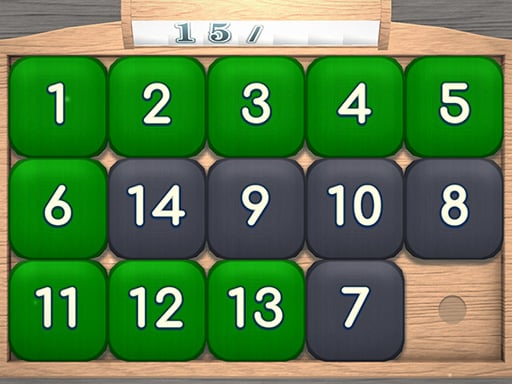
The goal is to arrange tiles in increasing order, from left to right and top to bottom, by swapping them with an empty space. Start with tile 1 in the top left corner and aim for the empty space to end up in the bottom right corner.
Word Challenge
4.44,644
Click or tap on the screen to interact and progress through the game. Use these inputs to trigger actions, select options, or navigate within the game environment.

Connect the Images
4.04,600
Slide images into their correct positions to complete puzzles and progress in the game.

Elemental Domination
4.34,286
Tap screen to transform elements, creating reactions and solving puzzles. Each touch alters the substance, triggering chain effects essential for progression.
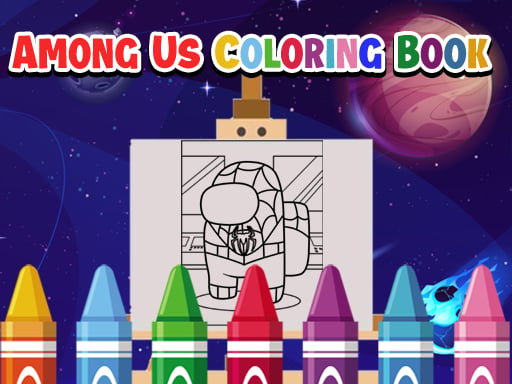
Among Us Coloring Books
4.56,166
Tap images to select colors and fill areas, creating vibrant and personalized designs with each touch. Explore various tools for different painting effects and styles. Share your creations or start anew with different themes and challenges.
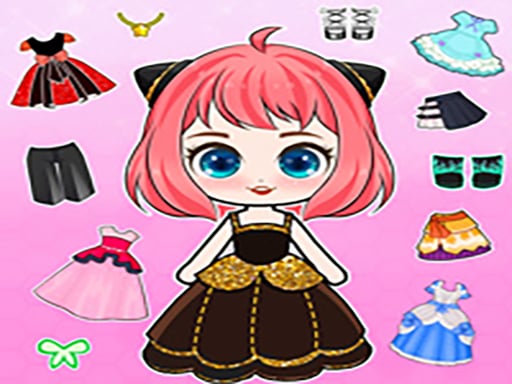
Chibi Doll Dress Up Diy
4.96,089
Click or tap the screen to interact and advance in the game. Use these inputs to select options, move characters, or trigger actions as indicated by the gameplay prompts.

Santa Fright Night
4.27,454
Use A to rotate left, D to rotate right, and W to jump.

Legendary Knight: In Search of Treasures
4.76,214
Controls involve using WASD for movement and CEX for actions on a keyboard, with space and arrow keys for jumping and additional commands. On mobile, touch controls are utilized for similar navigation and action execution, enhancing accessibility across devices.

Hidden Kitty
4.87,398
Use your mouse to interact and play within the game environment. Click, drag, or move the mouse to control actions, select items, or navigate through the game.

Escape Your Birthday: Horror Escape
5.07,770
Navigate using WASD keys, explore with your mouse, interact with objects by clicking the left mouse button, remove restrictions on movement with ESC key.