Racing
4.1
Extreme Stunt Car

Extreme Stunt Car
6,753
Join the ultimate thrill ride as you challenge yourself in this adrenaline-pumping stunt car game set high above the ground. Race and perform jaw-dropping stunts with powerful cars on sky-high tracks that will test your skills and courage. Experience the rush of driving on impossible courses, leaping from ramp to ramp, and pulling off daring maneuvers. Can you handle the pressure and avoid deadly falls while aiming to be the best driver in the sky?
Recommended Games

Hard Wheels Winter 2
4.17,651
In this game, players control a monster truck. On desktops, use arrow keys or WASD for movement. For mobile users, navigate with on-screen buttons. Simplified controls ensure easy maneuverability across various devices, enhancing accessibility and enjoyment for all players.

2D Car Driving: Drive Safe
4.06,681
Tap the screen or click the left mouse button to quickly change lanes and avoid incoming obstacles.

Jelly Run 2048
4.66,805
Click or tap on the screen to interact and progress through the game. Use these inputs to trigger actions, select options, or navigate within the game environment.
Motorcycle Dirt Racing Multiplayer
4.16,517
WASD keys move the bike. W speeds up, S slows down or reverses, A steers left, D steers right. Navigate through the course avoiding obstacles and collecting power-ups for speed boosts or temporary invincibility.
Low Poly Smash Cars
4.35,735
Navigate using ARROW KEYS, apply Handbrake with SPACEBAR, interact with Menus using LEFT MOUSE BUTTON.

Stunt Car Racing Extreme
4.94,829
Navigate using WASD keys where W moves forward, S moves backward, A turns left, and D turns right to explore and interact within the game environment.
OIIA OIIA CAT Drift Master
4.97,107
left and right arrow keys control the direction of movement, allowing the player to steer left or right.
Blob Bridge Run
4.55,312
Use WASD keys for movement in a more flexible manner, allowing diagonal movements. Alternatively, use arrow keys for simpler directional control, moving character up, down, left, or right.
Flyway Duo Race
5.03,382
In this game, Player 1 uses W, A, S, D keys while Player 2 uses arrow keys for movement in a single-player mode. For two-player mode, both players use arrow keys but control separate characters simultaneously.
Buddy and Friends Hill Climb
4.36,991
Use WASD keys to navigate the jeep. W moves it forward, S reverses, A turns it left, and D turns it right. Adjust your speed and direction carefully to tackle various terrains and challenges in the game.
Hillside Drive Master
4.45,507
Click or tap the screen to interact and progress through the game. Use these inputs to respond to in-game prompts, select options, and trigger events. Engage with the game's environment by pointing and clicking on objects or areas highlighted for interaction.

Taxi Parking Challenge 2
4.35,332
Use arrow keys or on-screen buttons to steer the vehicle. Adjust direction to navigate through various challenges and obstacles on the road.

Jelly Arch Run Race
4.14,620
Click or tap on the screen to interact with the game elements, progressing through levels by triggering actions or selecting options.
Traffic Monster
4.07,646
W or up arrow accelerates your car. A, D, or the left and right arrows steer it. Press space for a handbrake to spin drift.
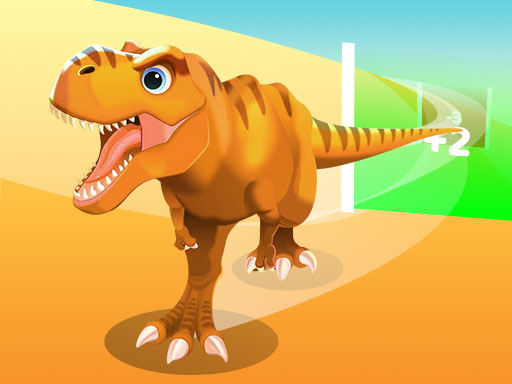
Dinosaur Runner 3D
5.03,844
Click or tap the screen to interact and progress through the game. Use these inputs to respond to in-game prompts, solve puzzles, and engage with the environment for an immersive experience.

Snow Race 3d Fun Racing
4.26,636
Click or tap the screen to interact and play.
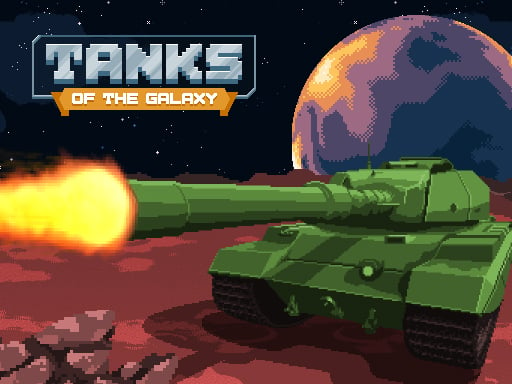
Tanks of the Galaxy
4.23,628
Use WASD or arrow keys to move around. Press space to switch weapons. Aim by moving the mouse and left-click to shoot.
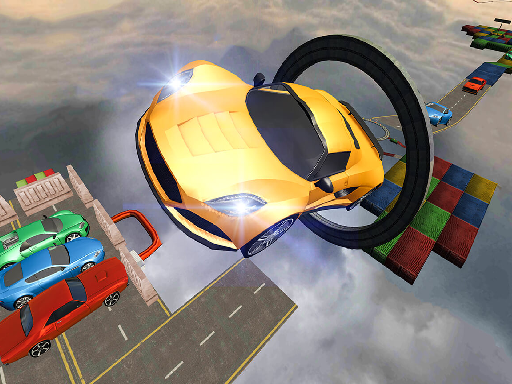
Car Stunts Challenge
4.66,612
Use arrow keys to control the car. Up Arrow - accelerate forward. Down Arrow - reverse direction. Left Arrow - turn left. Right Arrow - turn right.
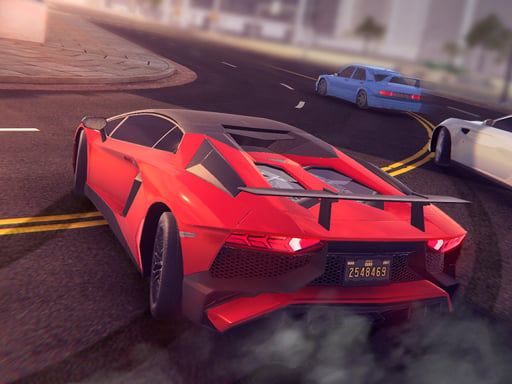
Ultimate Speed Driving
4.24,216
In this game, players use WASD keys on PC for movement, allowing precise control and navigation through various environments. For mobile users, tapping the corresponding buttons on the screen provides a touch-based method to move similarly, ensuring accessibility across different devices while maintaining the core gameplay experience.